 AutoEntrix
Chrome extension for Excel and CSV data entry
Many older systems make you enter every record by hand. AutoEntrix enters your Excel or CSV data into the web forms you already use, one row at a time. No coding needed, and your data goes only to the website you choose.
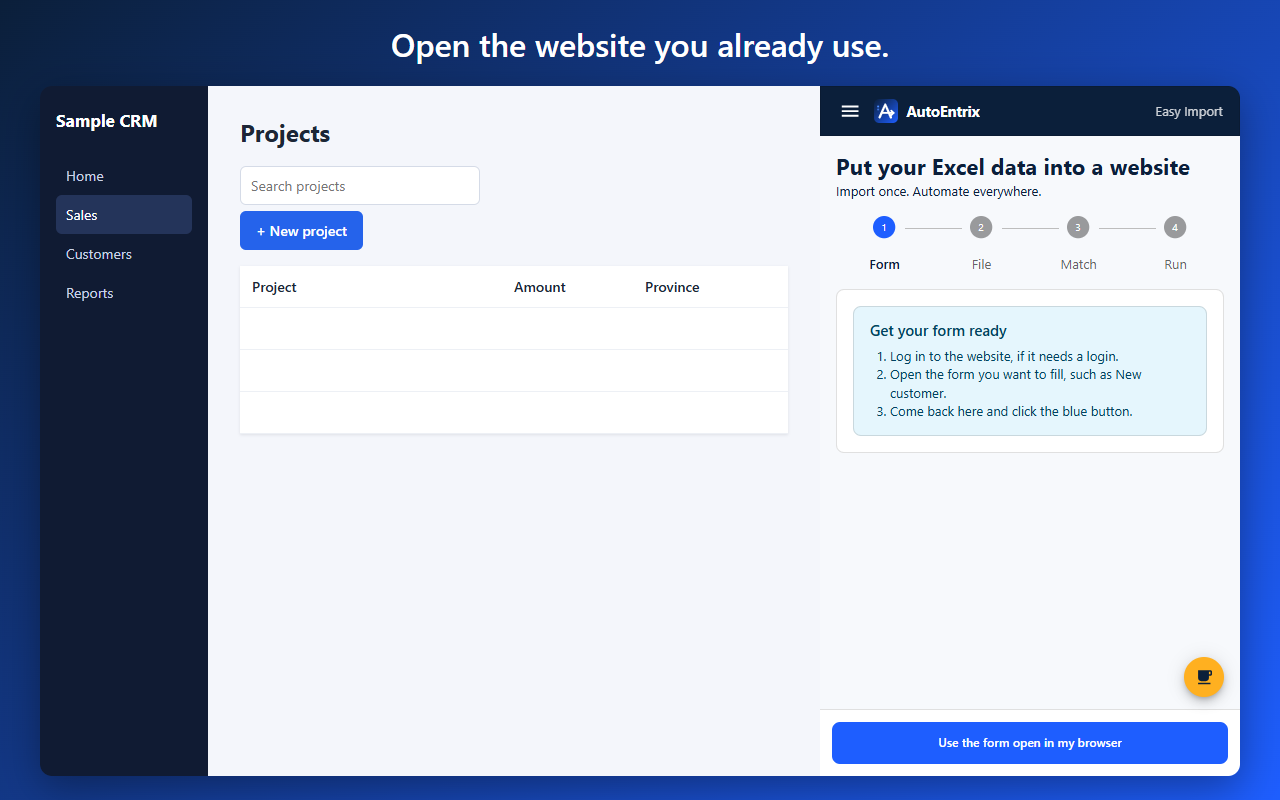
Practice on a safe form with a ready-made sample file. Nothing is sent anywhere.
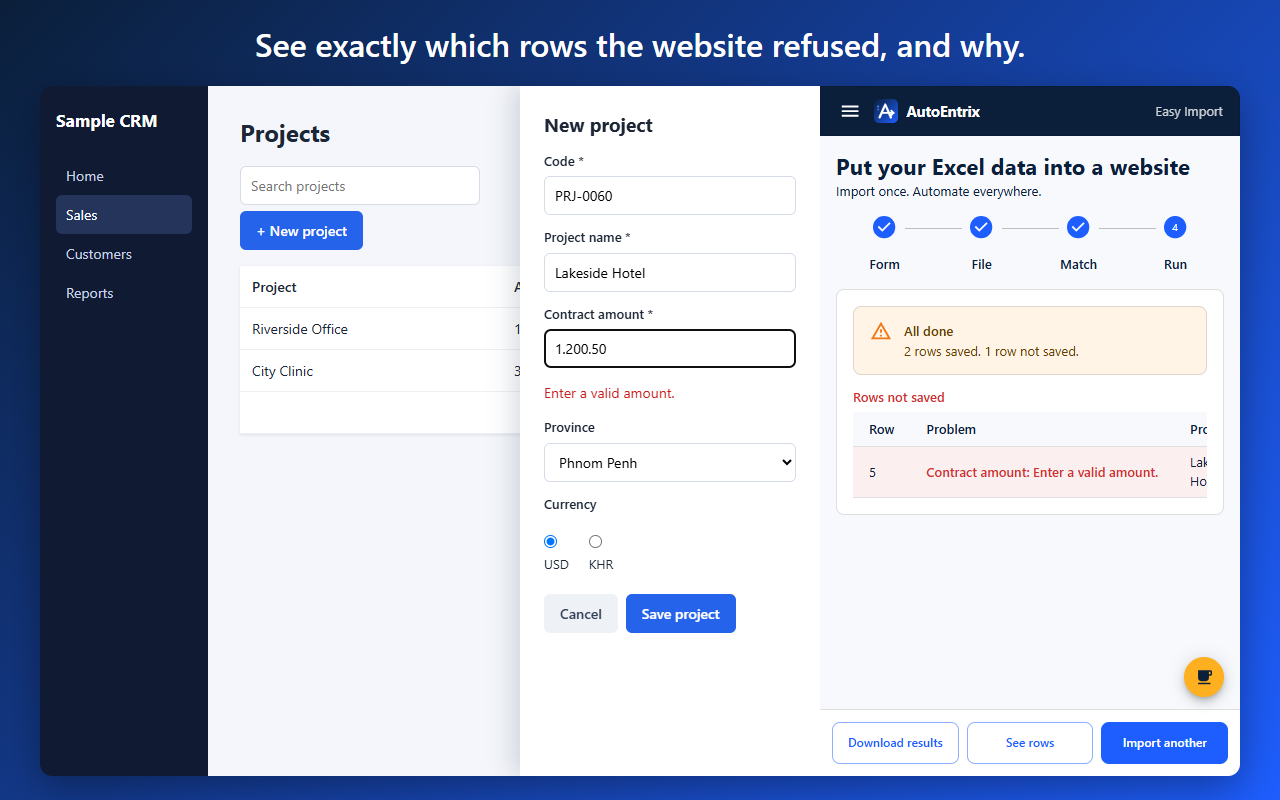
Before saving, AutoEntrix checks your rows against the form's rules and your own, and shows any problem in red. When a website refuses a row, you see its own message beside the column to fix, and the next row carries on. Download your results, fix the rows marked in yellow, and upload the file again. Rows already saved are skipped.
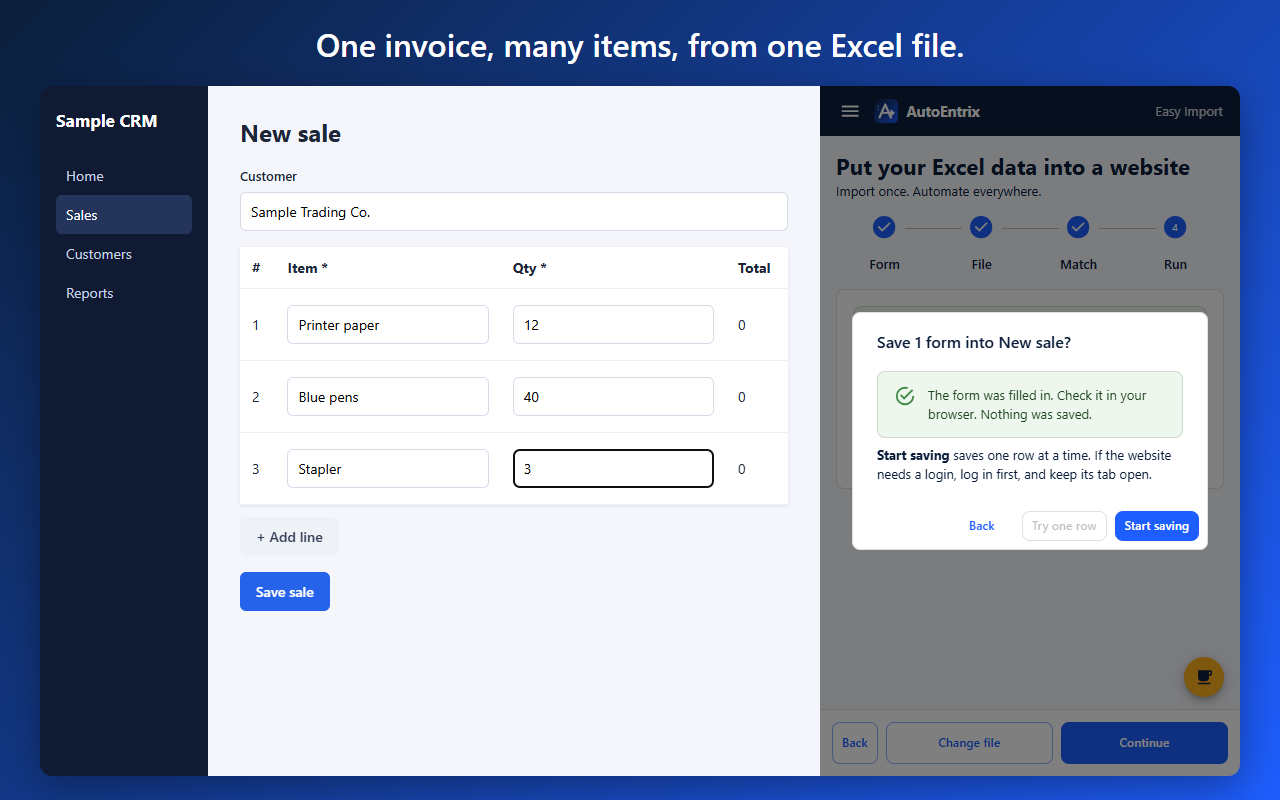
Use one Excel row per item, and give rows on the same form the same Group number. AutoEntrix adds lines to the form as it needs them.
You can also protect stored rows and results with an optional passphrase. Read the privacy policy.
No. If you can open a form and use Excel, you can use AutoEntrix.
It works with forms in standard web pages. Some websites may need extra setup, and some may not be supported. Try the practice form, then try one row on your own website. If it doesn't work with your website, message me on Telegram and I'll help.
No. There is no AutoEntrix server. Your data is stored in your browser and goes only to the website you choose.
Yes. AutoEntrix checks every row against the rules the form states, and any length or format rules you set for a column. Rows that break a rule show in red before anything is saved. Some rules are known only to the website, and those appear when saving.
You see the reason and the column to fix, and the other rows carry on. Fix the row in the results file and upload it again.
That depends on the website and your organization. Make sure you have permission, and test with sample data first.
Many older systems have no Excel import, so people have to enter every record by hand, one by one. I built AutoEntrix to do that typing for them, so they can spend their time on something better.
There's no AutoEntrix server, so your data stays on your computer and goes only to the website you choose.
Add AutoEntrix to Chrome for free, and try one row on your own form.
Add to ChromeNot working with your website? Message me on Telegram and I'll help.